Skip to content
Krea 2 logoKrea 2

Prompt collections

Free Krea 2 prompts you can copy and generate

Copy-ready Krea 2 prompt collections for product shots, portraits, and photoreal scenes. Copy a template, swap your subject, and generate with free credits. For the full writing method, open the prompt guide.

  • 9 copy-ready samples on this page
  • Real Krea 2 examples in collections
  • 50 free credits on signup

Copy-ready Krea 2 prompt samples

Nine tested starters across portrait, product, and scene work. Each card shows suggested crop and speed tier. Copy, swap only the subject first, then generate.

Portrait

Golden-hour editorial portrait

3:4Large

A calm editorial portrait of a young woman at golden hour, soft rim light, shallow depth of field, pastel wardrobe, fine grain, 3:4 crop for social profile

Change only the subject first, then adjust light direction.

Portrait

Studio headshot with soft key

1:1Medium

A clean studio headshot of a middle-aged man in a charcoal blazer, soft frontal key light with gentle fill, neutral grey seamless backdrop, sharp eyes, natural skin texture, 1:1 crop

Lock the lighting clause when testing wardrobe color swaps.

Portrait

Environmental street portrait

4:3Medium

An environmental portrait of a barista leaning on a cafe counter, afternoon window light from the left, shallow depth of field, bokeh cups in the background, candid documentary mood, 4:3 crop

Keep place and light fixed; only rewrite the person and outfit.

Product

Studio hero shot

4:3Large

A hero shot of a matte ceramic skincare jar on a sculpted stone plinth, seamless warm-grey backdrop, soft directional key light with a gentle rim highlight, shallow depth of field, premium editorial styling

Swap the product noun first; keep surface, light, and crop.

Product

Top-down flat lay

1:1Medium

A flat lay of a three-step skincare routine — cleanser, serum, and moisturizer — arranged top-down on travertine with eucalyptus sprigs and a folded linen cloth, bright diffused daylight, balanced negative space, crisp soft shadows

Swap the product noun first; keep surface, light, and crop.

Product

In-context lifestyle

3:4Medium

A lifestyle scene with a brushed stainless steel water bottle standing on a sunlit trailside rock, blurred pine forest behind, warm morning light, natural cast shadows, candid outdoor mood, editorial product photography

Swap the product noun first; keep surface, light, and crop.

Scene

Rainy neon alley

16:9Large

A rain-slicked city alley at night, neon reflections on wet asphalt, low camera angle, distant figure under an umbrella, cinematic wide shot, 16:9 crop

Rewrite the city mood only after the camera and wet-ground clauses stay stable.

Scene

Misty forest dawn

16:9Medium

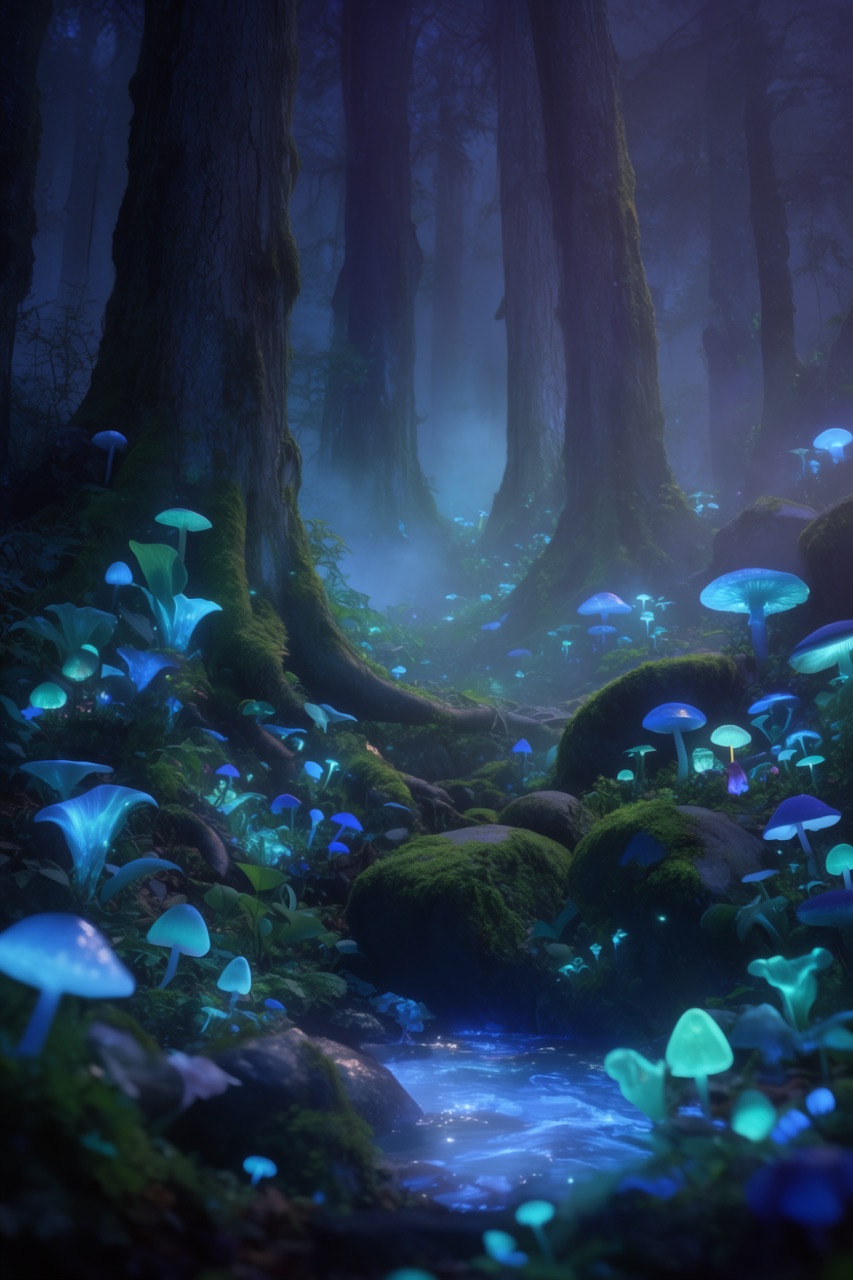
A misty pine forest at dawn, volumetric god rays through branches, mossy path leading into fog, wide establishing shot, cool blue-green palette, photoreal landscape, 16:9 crop

Change season or tree type one at a time to keep atmosphere consistent.

Scene

Cozy interior nook

3:4Medium

A cozy reading nook by a window, warm afternoon light, linen armchair, stack of books on a wood table, soft shadows, quiet domestic atmosphere, 3:4 interior still

Keep light direction fixed when swapping furniture or time of day.

Want the full product packshot set? Open product shot prompts for eight more templates. For writing order and revision rules, stay with the prompt guide.

Turning a template into your own image

A good template is a head start, not a finished thing. Each one in these collections encodes decisions that are easy to overlook when writing from scratch: where the light comes from, how close the camera sits, what the background contributes, which words steer the mood. Swap the subject, keep the structure, and you inherit all of those decisions for free.

Adaptation is where the collections earn their keep. Change one variable at a time: trade daylight for neon, pull the framing wider, push the palette warmer. Because the surrounding wording stays constant, you can see exactly what each edit does to the result. For the full control language and revision hygiene, read the Krea 2 prompt guide. To start generating right away, open the generator or return to the Krea 2 homepage.

Krea 2 prompts FAQ

Quick answers for free templates, writing order, and where to start.

What are Krea 2 prompts?

Krea 2 prompts are short, ordered shot briefs for the Krea 2 AI image generator. Strong ones lock subject, context, composition, light, style, and crop so you get usable photoreal or cinematic results on the first few tries.

How do I write better Krea 2 prompts?

Lead with a concrete subject, then add context, camera framing, lighting, style, and crop. Change one variable at a time when iterating. Full method is in the Krea 2 prompt guide; this page is for copy-ready templates.

Are Krea 2 prompts free?

Yes. Browse and copy every template on this hub without paying. New accounts get 50 free credits to generate from a pasted prompt, with no card required to start.

Where can I find product shot prompts?

Open the product shot prompt collection for hero shots, flat lays, lifestyle scenes, and packaging close-ups. Copy a template, swap in your product, keep the lighting and crop language, then generate.

Start from a prompt that already works

50 free credits on signup, no card required. Copy a template and render your first image in seconds.