Skip to content
Krea 2 logoKrea 2

Tool · Product & brand visuals

Build a studio-grade Krea 2 product shot prompt in seconds

Describe the item once, then pick a material, surface, light, mood, and camera. The builder assembles a structured Krea 2 product shot prompt you can copy anywhere — or open in the generator with the crop and speed already set.

1 · Product

2 · Material

3 · Surface

4 · Lighting

5 · Mood

6 · Camera

7 · Crop & speed

Prompt preview

A product shot of your product, matte ceramic with a soft eggshell finish, on a polished concrete slab, soft directional window light, minimal, clean art direction, shot from a 45-degree hero angle with shallow depth of field, high detail, photorealistic, editorial commercial photography

Opens the generator with the prompt, crop, and speed prefilled.

  • 50 free credits on signup
  • No card required
  • Edit anything in Krea 2 before rendering

How the Krea 2 prompt builder works

Three steps from a blank field to a finished, art-directed image.

  1. Describe the subject

    Type one specific subject with a telling detail — the color, the finish, the label. The builder handles the photography language around it.

  2. Pick a direction

    Tap through the preset chips. Each one swaps a tested prompt fragment, so the wording stays coherent while the look changes.

  3. Generate & refine

    Copy the prompt or open it in the Krea 2 generator with the crop and speed prefilled. Re-roll with one change at a time until it clicks.

Image prompt templates to start from

Copy one as-is, or send it to the Krea 2 generator and swap the subject for your own.

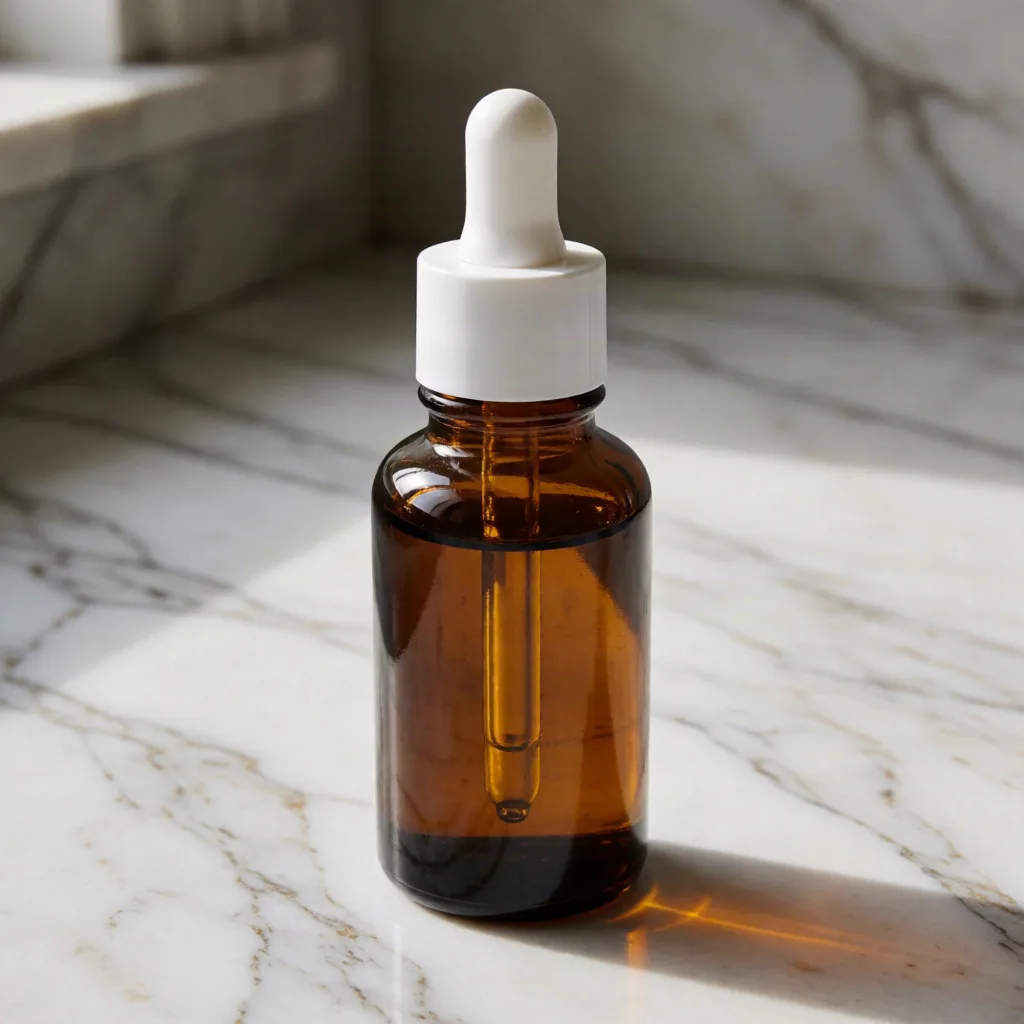
Amber glass serum bottle

1:1Medium

A packshot of an amber glass serum bottle with a white pipette cap, glossy glass with crisp reflections and refractions, on a veined marble countertop, soft directional window light, minimal, clean art direction, shot from a 45-degree hero angle with shallow depth of field, high detail, photorealistic, editorial commercial photography

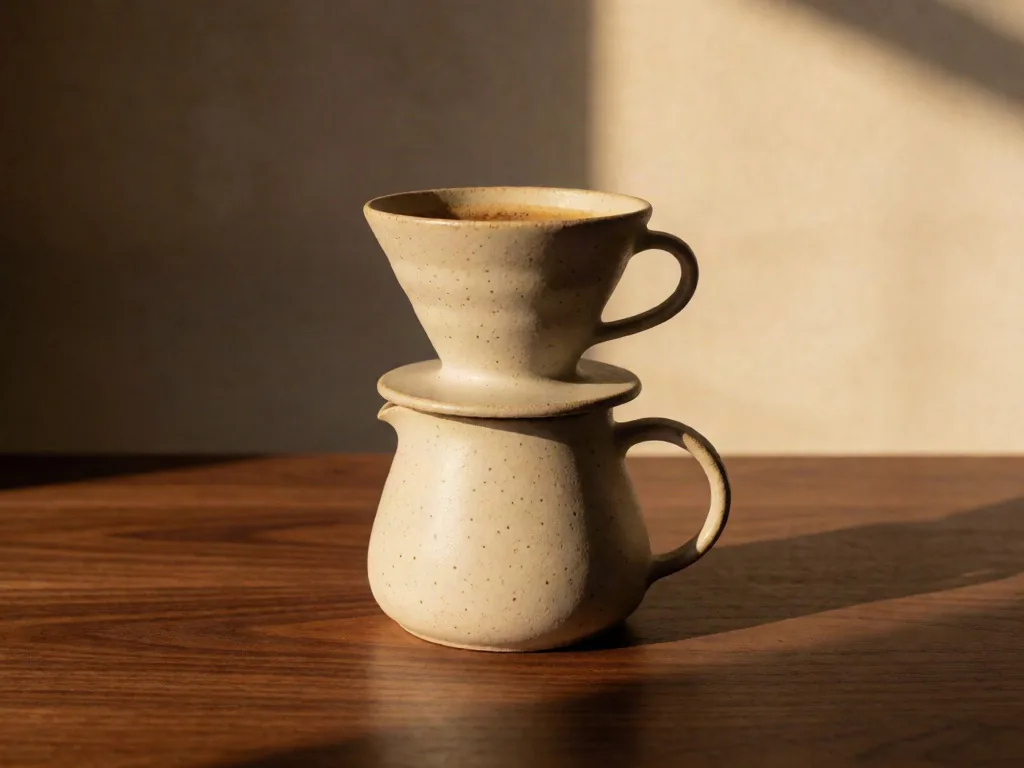
Hand-thrown pour-over set

1:1Medium

A still-life image of a hand-thrown pour-over coffee set in speckled clay, matte ceramic with a soft eggshell finish, on a warm walnut wood tabletop, warm golden hour light raking across the scene, warm, organic art direction, eye-level straight-on composition, high detail, photorealistic, editorial commercial photography

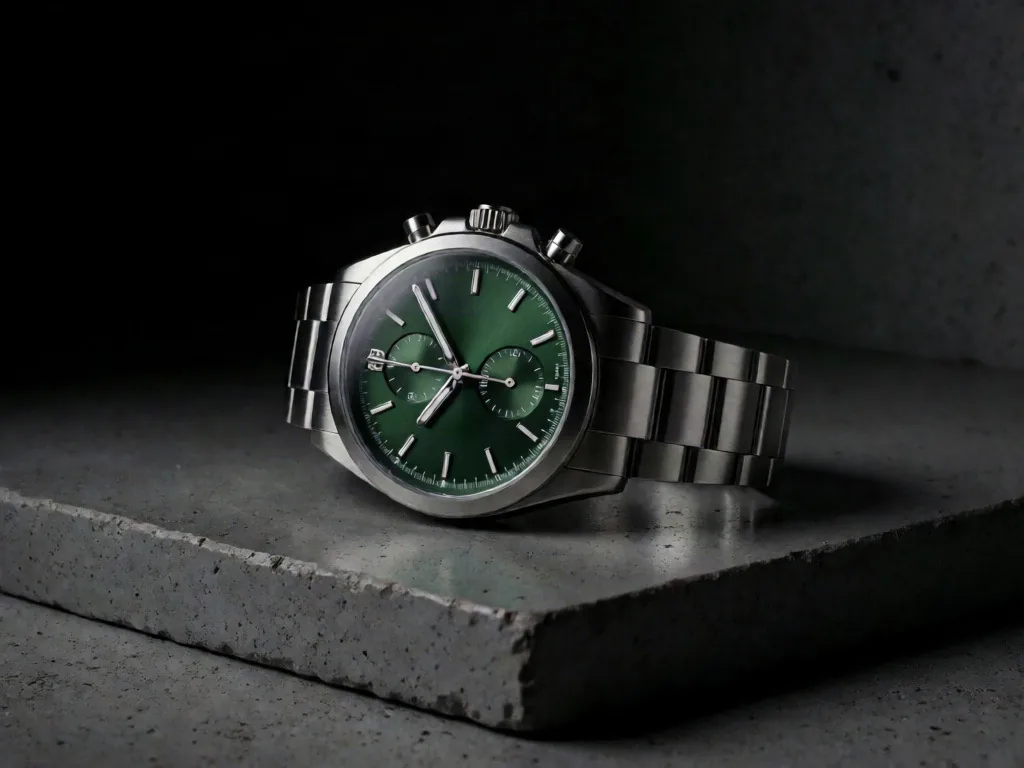
Steel chronograph watch

1:1Medium

A moody advertising shot of a brushed steel chronograph watch with a deep green dial, brushed metal with fine anisotropic highlights, on a polished concrete slab, dramatic low-key lighting with deep shadows, premium editorial art direction, macro close-up on the key detail, high detail, photorealistic, editorial commercial photography

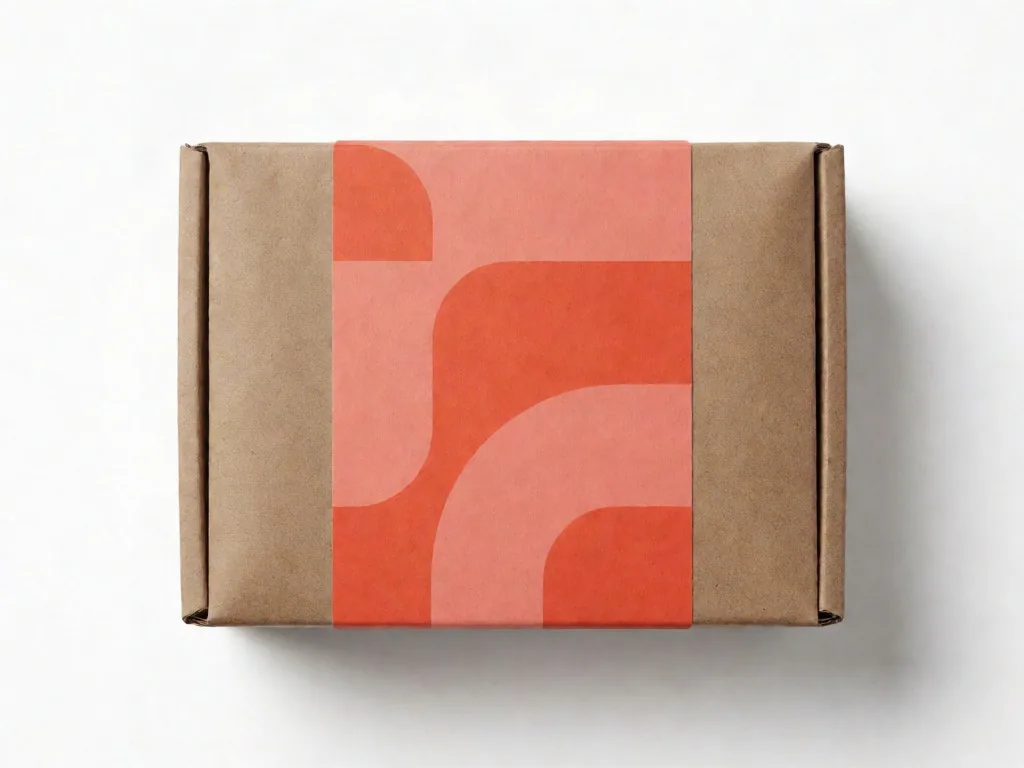
Kraft-boxed espresso beans

1:1Medium

A vivid packaging shot of a kraft box of single-origin espresso beans with a coral label, uncoated paper and kraft cardboard textures, on a white seamless studio sweep, clean studio softbox lighting, bold, saturated art direction, top-down flat lay framing, high detail, photorealistic, editorial commercial photography

Product shot examples generated with Krea 2

Real Krea 2 outputs. Open one to inspect the prompt, copy the wording, or send it straight into the generator.

Prompt tips for sharper images

Small wording changes move the Krea 2 result more than re-rolling ever will.

  • Name one specific item with a telling detail — "an amber glass serum bottle with a white pipette cap" beats "a skincare product".
  • Match material to light in Krea 2: glass and brushed metal reward directional light, while fabric and paper stay readable under a soft softbox.
  • Change one variable per re-roll — keep the subject and surface fixed and swap only the lighting, so you can compare Krea 2 outputs honestly.
  • Pick the crop for the destination before you render: 1:1 for marketplace tiles, 4:3 for web banners, 9:16 for stories.
  • Shooting a whole collection? Reuse the same material, surface, and lighting picks and change only the item description, so every image in the set matches.

Produktfoto-Prompt-Generator FAQ

What does this prompt builder do?

It assembles a structured product shot prompt from your picks — the item you describe plus material, surface, lighting, mood, and camera — and hands it to the Krea 2 generator with the crop and speed prefilled. You can still edit every word before rendering.

Is the prompt builder free to use?

Yes. The builder is free, and the Krea 2 AI image generator gives you 50 free credits on signup — no card required. Each image shows its credit cost before you generate.

Can I use the generated images commercially?

Commercial use depends on your plan and our terms. Review the pricing and terms pages before publishing Krea 2 images in client work, packaging, or ads.

Which items render best in Krea 2?

Rigid, well-defined objects — bottles, boxes, devices, tableware — render most consistently. Name the finish and one distinguishing detail, then let the material and lighting picks carry the styling.

Turn the prompt into a finished image

Open the Krea 2 generator and render your first image in seconds — 50 free credits on signup, no card required.