Photorealistic detail
Render lifelike skin, materials, and textures with cinematic lighting and convincing depth.
Krea 2 model guide
Compare the three Krea 2 render tiers by speed, texture, best use, and credit cost before you commit to a final image.
Render lifelike skin, materials, and textures with cinematic lighting and convincing depth.
Steer mood, palette, and art direction from one prompt brief, from editorial photography to painterly concept art.
Move between square, vertical, and wide compositions without rewriting the creative brief.
One prompt · three independent runs
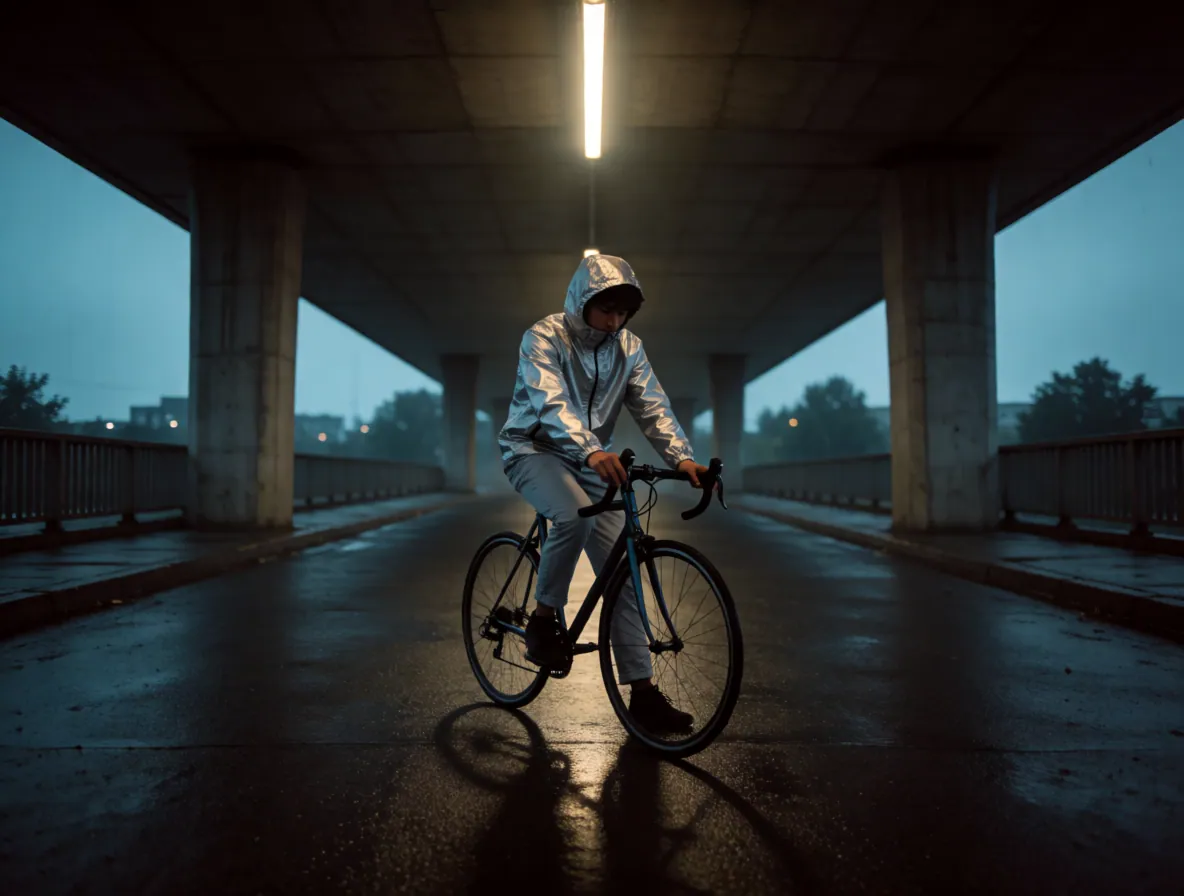
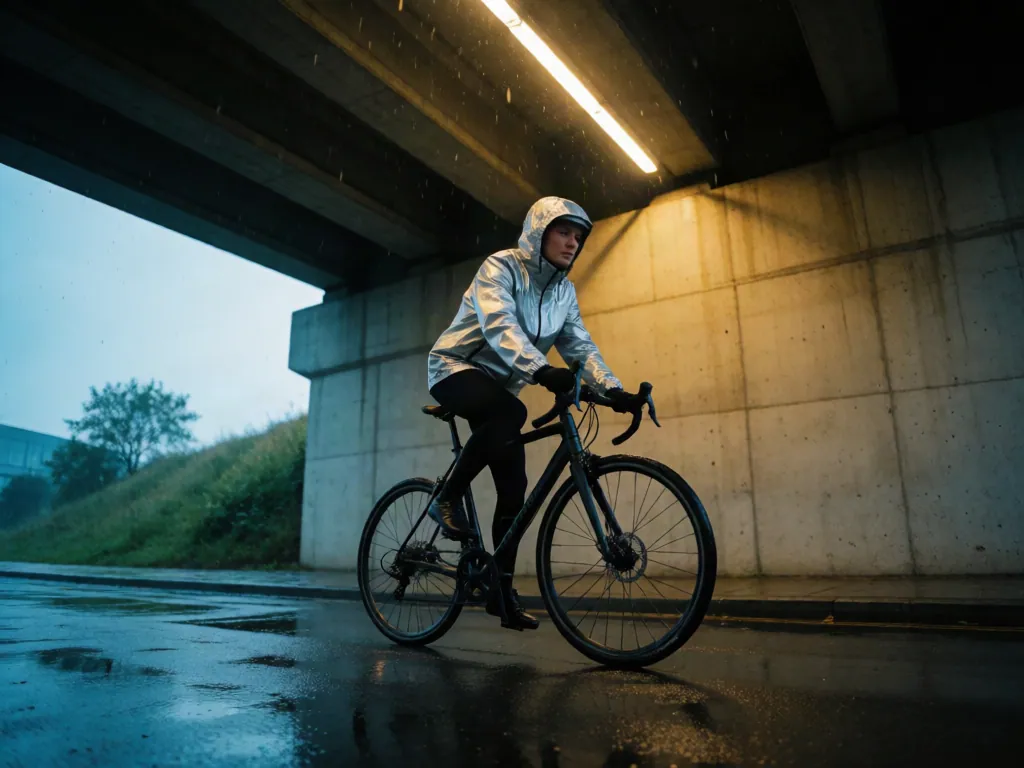
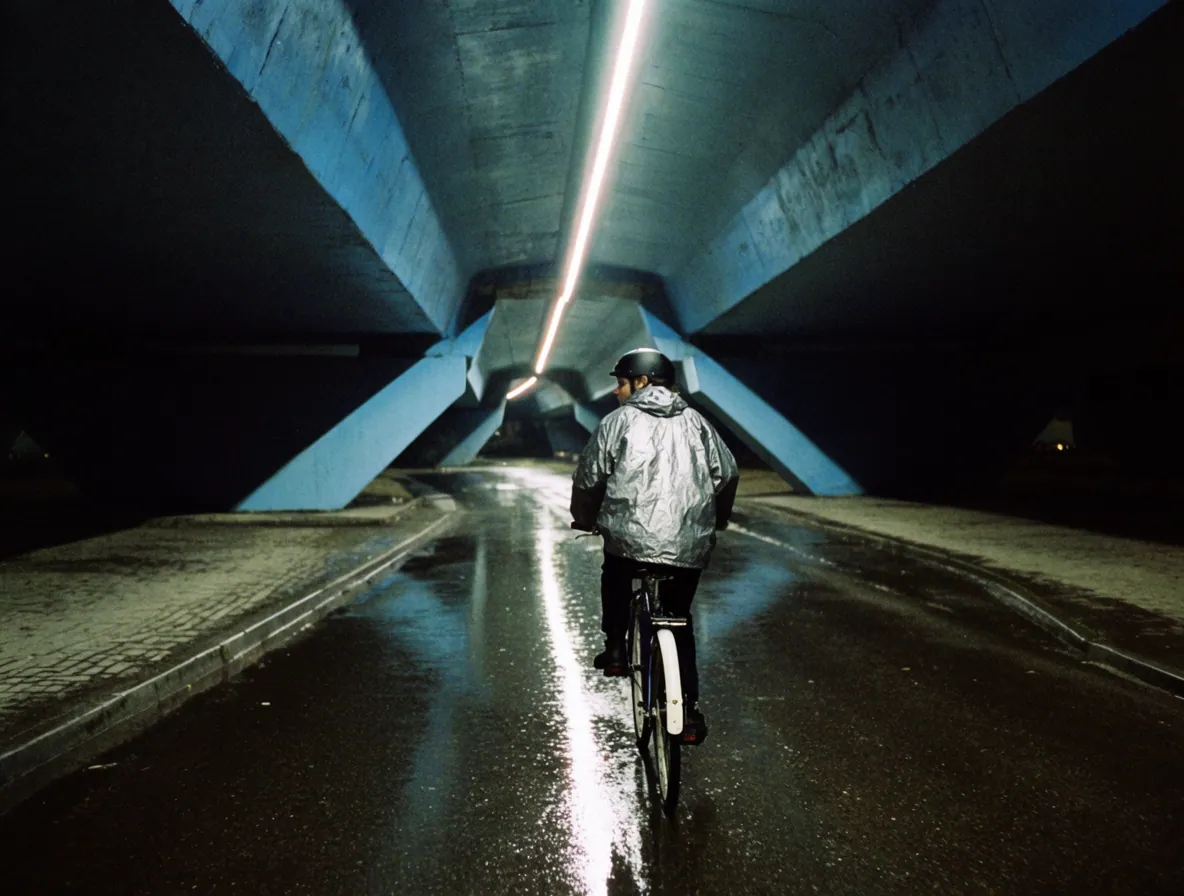
Each image below uses the same prompt and 4:3 crop. Krea 2 does not expose a shared seed here, so this is a practical tier comparison—not a pixel-matched benchmark.

Fastest iteration on krea-v2-medium-turbo for quick creative directions
Test Medium Turbo

Shared prompt: A fashion editorial photograph of a cyclist in a silver rain jacket beneath a concrete overpass after rain, low wide-angle frame, one hard fluorescent strip overhead, wet asphalt reflections, restrained cyan and amber palette, visible 35mm grain.
Pick speed based on how final the image needs to be. You can start rough and move to Large once the prompt works.
Test the modelFastest iteration on krea-v2-medium-turbo for quick creative directions
5 credits
Everyday photorealistic drafts on krea-v2-medium
10 credits
Best aesthetic and finest detail on krea-v2-large for final renders
15 credits